A slow phone can be very annoying, especially when you need to open an app quickly, send a message, browse the internet, or take a photo. Over time, smartphones can become slower because of too many apps, full storage, background activity, outdated software, and other small issues. The good news is that you do not always need to buy a new phone to improve its speed.
There are several simple ways to make your phone faster. Most of these methods are easy to follow and do not require technical knowledge. Whether you use an Android phone or an iPhone, a few changes can make your device feel smoother and more responsive. In this article, we will look at the best ways to speed up your phone and keep it running well for a longer time.
Restart Your Phone Regularly
One of the easiest ways to make your phone faster is to restart it. Many people keep their smartphones running for weeks without restarting them. During this time, temporary files, background processes, and small software problems can build up.
Restarting your phone closes many background processes and gives the system a fresh start. It can also fix small problems such as apps freezing, slow menus, or delayed responses.
You do not need to restart your phone several times every day. Restarting it once every few days or whenever it starts feeling slow can be helpful.
Free Up Storage Space
Low storage is one of the common reasons why a phone may become slow. When your phone storage is almost full, the system has less free space to manage temporary files and perform normal tasks.
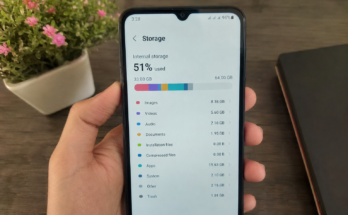
Check your phone storage and see what is taking up the most space. Large videos, old photos, downloaded files, and unused apps can use a lot of storage.
Try to keep some free space available. Delete files that you no longer need and move important photos and videos to cloud storage or another safe location.
If your phone has very little free storage, freeing up space can sometimes make a noticeable difference in performance.
Delete Apps You Do Not Use
Many people install apps for a specific reason and then forget about them. These unused apps can take up storage and some may continue running background services.
Go through your installed apps and remove the ones you rarely or never use. This is especially useful if your phone has limited storage.
Deleting unnecessary apps can also reduce notifications and background activity. Your home screen may look cleaner, and you may find it easier to locate the apps you actually use.
Before deleting an app, make sure you do not have important information stored inside it.
Keep Your Phone Software Updated
Software updates are important for smartphone performance and security. Phone manufacturers regularly release updates that can fix bugs, improve stability, and make the operating system work better.
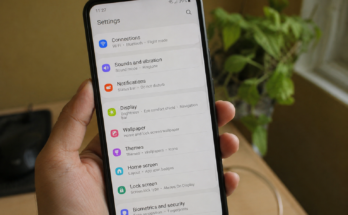
Check your phone settings for available system updates. If an update is available, install it when you have enough battery and a reliable internet connection.
You should also keep important apps updated. Developers often release app updates to fix performance problems and compatibility issues.
However, if you have an older phone, a major operating system update can sometimes require more resources. It is still important to follow official update recommendations, but you should understand that older hardware may not always feel faster after a major update.
Remove Unnecessary Widgets
Widgets can be useful because they show information directly on your home screen. Weather, news, calendar, stock, and other widgets can save time.
However, having too many active widgets may increase background activity. If your phone is already slow, consider removing widgets that you do not really need.
Keep only the widgets that are useful to you. A simpler home screen can make your phone feel cleaner and easier to use.
Reduce Background Apps
Some apps continue working even when you are not actively using them. They may check for new messages, update content, track locations, or perform other tasks in the background.
Too much background activity can use battery, memory, and processing power. Check your phone settings to see which apps are using the most resources.
You can restrict background activity for apps that do not need to work all the time. Messaging and important communication apps may need background access, while some games or shopping apps may not.
Reducing unnecessary background activity can help improve phone performance and battery life.
Clear App Cache
Some Android phones allow users to clear cached data for individual apps. Cache files are temporary files that help apps load certain content faster.
Over time, some apps can collect a large amount of cached data. If a particular app is behaving strangely or taking too much space, clearing its cache may help.
It is important to understand that clearing cache is different from deleting app data. Clearing cache normally removes temporary files, while deleting app data can remove settings and other stored information.
On an iPhone, there is no general button for clearing the cache of every app. In some cases, deleting and reinstalling an app can help if that app has become unusually large or slow.
Use Fewer Animated Effects
Modern smartphones use animations to make menus and transitions look smooth. These effects can look attractive, but older or less powerful phones may struggle with them.
If your phone has options for reducing animations or motion effects, consider turning them down. This can make the interface feel more responsive because there is less visual processing between actions.
This will not increase the actual hardware power of your phone, but it can make everyday navigation feel faster.
Avoid Installing Phone Cleaner Apps
Many people believe that installing a phone cleaner app will automatically make their smartphone faster. In reality, these apps are not always necessary.
Some cleaner apps run constantly in the background, show notifications, or use additional battery and memory. Your phone already has built in tools for managing storage and removing unnecessary files.
Instead of installing another cleaner app, use the storage and device management features already provided by your phone.
Delete Old Downloads
Your downloads folder can become full without you noticing. PDF files, images, videos, documents, and other downloaded content may remain on your phone for months.
Open your file manager and check your downloads. Remove files that you no longer need.
This is a simple step, but it can free up storage and help you keep your phone organized.
Keep Your Home Screen Simple
A busy home screen can make your phone feel less organized. Too many apps, widgets, folders, and live elements can also increase background activity on some devices.
Try to keep your main home screen simple. Place your most frequently used apps there and move less important apps to another screen.
A clean home screen does not directly increase the processing power of your phone, but it can make the device easier and quicker to use.
Check Which Apps Use the Most Battery
Battery usage can sometimes give you clues about performance problems. If one app is constantly using a large amount of battery, it may also be working heavily in the background.
Open your battery settings and check which apps are using the most power. If you find an app that you rarely use but consumes a lot of battery, consider removing it or limiting its background activity.
This can help reduce unnecessary work and may improve both battery life and overall phone performance.
Avoid Overheating Your Phone
Heat can affect smartphone performance. When a phone becomes too hot, it may reduce its performance to protect the internal components.
Avoid leaving your phone in direct sunlight or inside a hot car. If your phone becomes very warm while gaming or using demanding apps, give it some time to cool down.
Using a phone while it is charging can also create additional heat, especially during demanding tasks. Keeping the device at a comfortable temperature can help it perform more consistently.
Be Careful With Live Wallpapers
Live wallpapers can make a smartphone look attractive, but they may use additional processing power and battery.
If your phone is older or already running slowly, try using a simple static wallpaper instead. This small change can reduce unnecessary activity and may make your phone feel slightly smoother.
Scan for Suspicious Apps
If your phone suddenly becomes extremely slow, crashes frequently, or shows unusual advertisements, check the apps you recently installed.
Only install apps from trusted sources and remove anything suspicious. Unknown or poorly designed apps can sometimes consume system resources in the background.
Keeping your apps under control is an important part of maintaining good smartphone performance.
Consider a Factory Reset as a Last Option
If your phone is still extremely slow after trying everything else, a factory reset may help. A factory reset removes your personal data, apps, settings, and other content from the device and returns it to a clean state.
Before doing this, make a complete backup of your important photos, contacts, documents, messages, and other data.
A factory reset should not be the first solution. It is better to start with simple steps such as freeing storage, deleting unused apps, updating software, and restarting the phone.
Final Thoughts
Making your phone faster does not always require expensive upgrades. Simple maintenance can make a big difference in how your smartphone feels during everyday use.
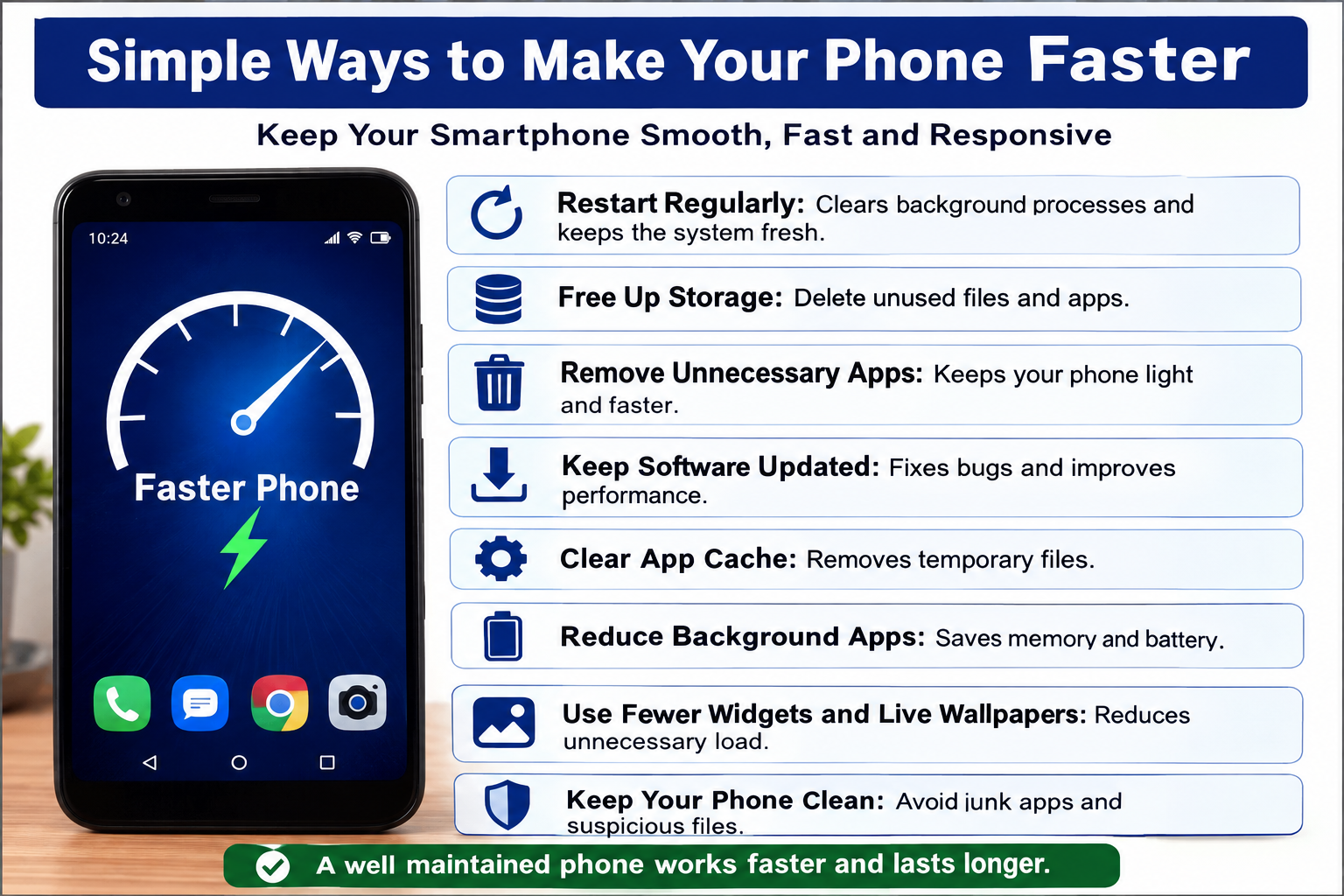
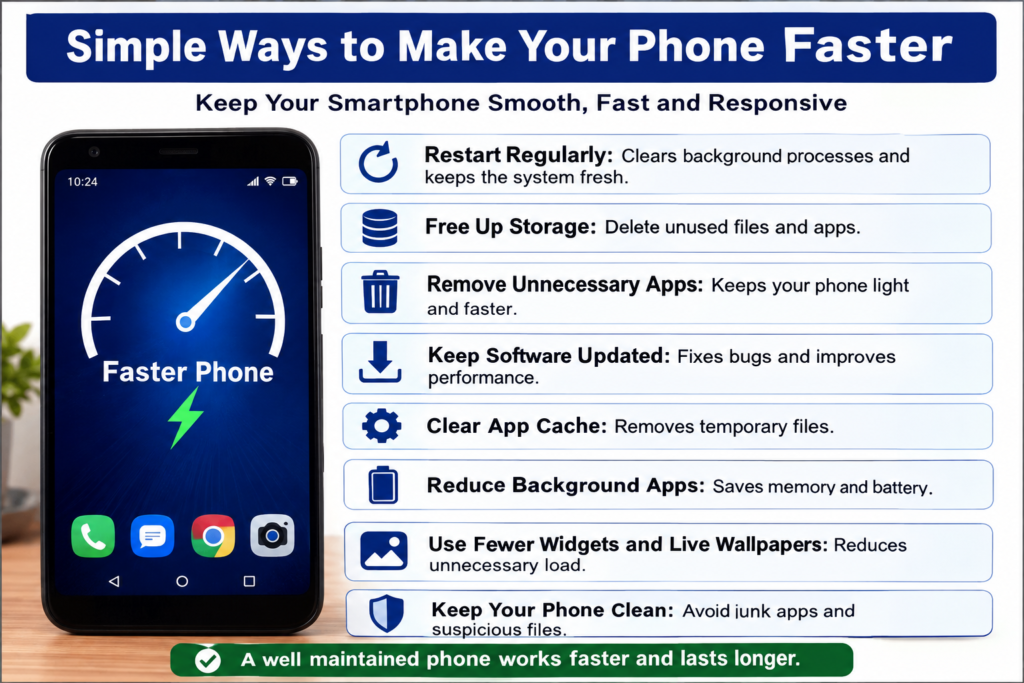
Start by freeing up storage, removing unused apps, restarting your phone, updating your software, and reducing unnecessary background activity. You can also clear app cache where appropriate, reduce animations, delete old downloads, and avoid apps that constantly consume system resources.
If you take a few minutes every month to clean and manage your phone, you can keep it running smoothly for longer. Good smartphone performance is not only about having powerful hardware. It is also about keeping the device organized and avoiding unnecessary tasks.
So before you decide that your phone is too old and needs to be replaced, try these simple ways to make your phone faster. You may be surprised by how much better your existing device can perform with a little care.