Smartphones have become an important part of our daily lives. We use them for calls, messages, social media, videos, online shopping, navigation, work, and entertainment. Because of this, battery life can become a big concern. There is nothing more frustrating than seeing your phone battery drop quickly when you are away from a charger.
The good news is that you do not always need a new phone or a bigger battery to improve battery life. A few simple changes in the way you use your smartphone can help your battery last much longer during the day. In this guide, we will discuss simple and practical ways to save battery life on your smartphone without making your phone difficult to use.
Lower Your Screen Brightness
The screen is one of the biggest users of smartphone battery power. A bright display can drain your battery much faster, especially when you use your phone for long periods.
Try reducing the screen brightness to a comfortable level. You can also turn on automatic brightness if your phone has this option. Automatic brightness adjusts the screen according to the light around you, so your display does not stay brighter than necessary.
If you have an OLED or AMOLED display, using dark mode can also help in some situations. Dark areas on these types of screens can use less power because individual pixels can turn off or use very little energy.
Reduce Screen Timeout
Your phone may continue using battery even when you stop using it because the screen stays on. If your screen timeout is set to five or ten minutes, your phone can waste a noticeable amount of power throughout the day.
Set your screen timeout to around thirty seconds or one minute. This simple change can help reduce unnecessary screen usage. Your phone will turn the display off sooner when you are not actively using it.
This is one of the easiest smartphone battery saving tips because you do not have to change your normal phone habits very much.
Turn Off Background Apps You Do Not Need
Many apps continue working in the background even when you are not using them. Some apps check for new information, update content, or use your location. While background activity can be useful, too many apps doing this can affect battery life.
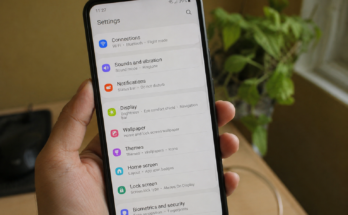
Check your phone settings to see which apps are using the most battery. If you find an app that you rarely use but consumes a lot of power, consider restricting its background activity or uninstalling it.
You do not need to close every app manually all the time. Modern smartphones are designed to manage applications automatically. Focus on apps that are actually using significant battery power in the background.
Turn Off Location When You Do Not Need It
Location services can be useful for maps, food delivery, weather apps, and many other services. However, keeping location services active for every app is not always necessary.
Review your location permissions and allow location access only to apps that genuinely need it. For example, a navigation app may need your location while you are traveling, but a simple calculator does not.
You can also turn off location services when you do not need them. This can help save smartphone battery life, especially if several applications regularly try to access your location.
Limit Push Notifications
Notifications are useful because they keep you updated, but every notification can wake your screen, use network activity, or make your phone vibrate or play a sound.
If you receive notifications from many apps, review your notification settings. Turn off notifications from apps that are not important.
For example, you may not need notifications from shopping apps, games, or websites throughout the day. Keeping only important notifications can help reduce unnecessary battery usage and also make your phone less distracting.
Use WiFi When Available
Using mobile data can sometimes consume more battery than using a stable WiFi connection. If you are at home, school, work, or another place with reliable WiFi, connecting to that network can help reduce mobile network activity.
However, do not leave WiFi constantly searching for networks when you are in an area where there is no WiFi available. Your phone may continue searching for connections, which can use additional power.
The best approach is to use WiFi when it is available and turn off unnecessary wireless features when you know you will not need them.
Turn Off Bluetooth When You Are Not Using It
Bluetooth is useful for wireless earbuds, speakers, smartwatches, cars, and other accessories. If you use Bluetooth regularly, you can leave it enabled, but if you do not need it for several hours, turning it off can reduce unnecessary wireless activity.
You should also remove old Bluetooth connections that you no longer use. Keeping your wireless settings organized can make your smartphone more efficient.
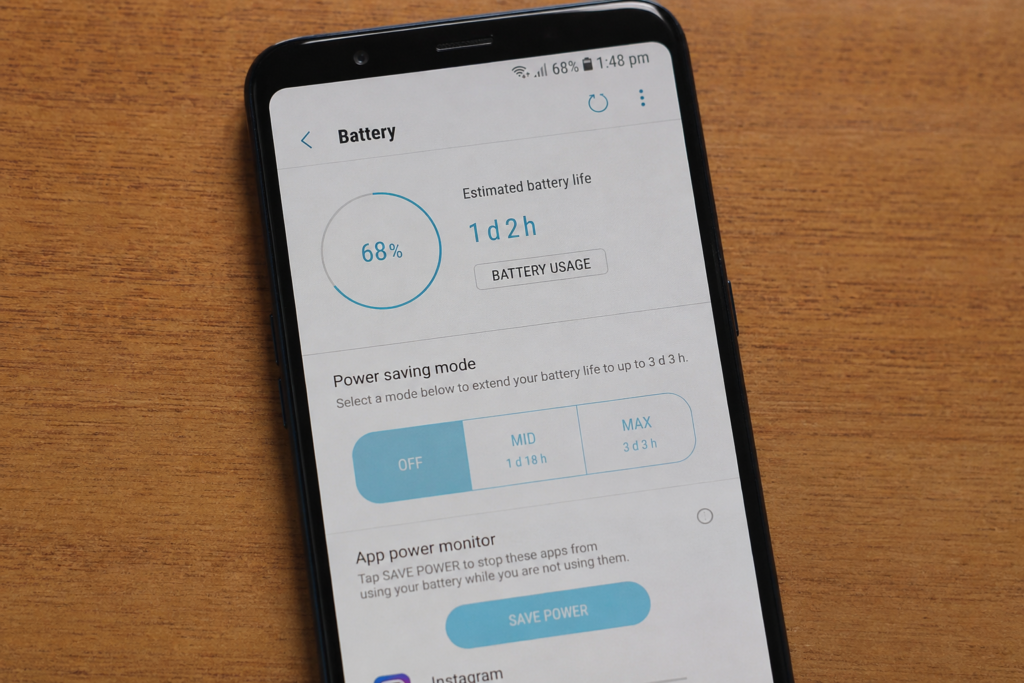
Use Battery Saver Mode
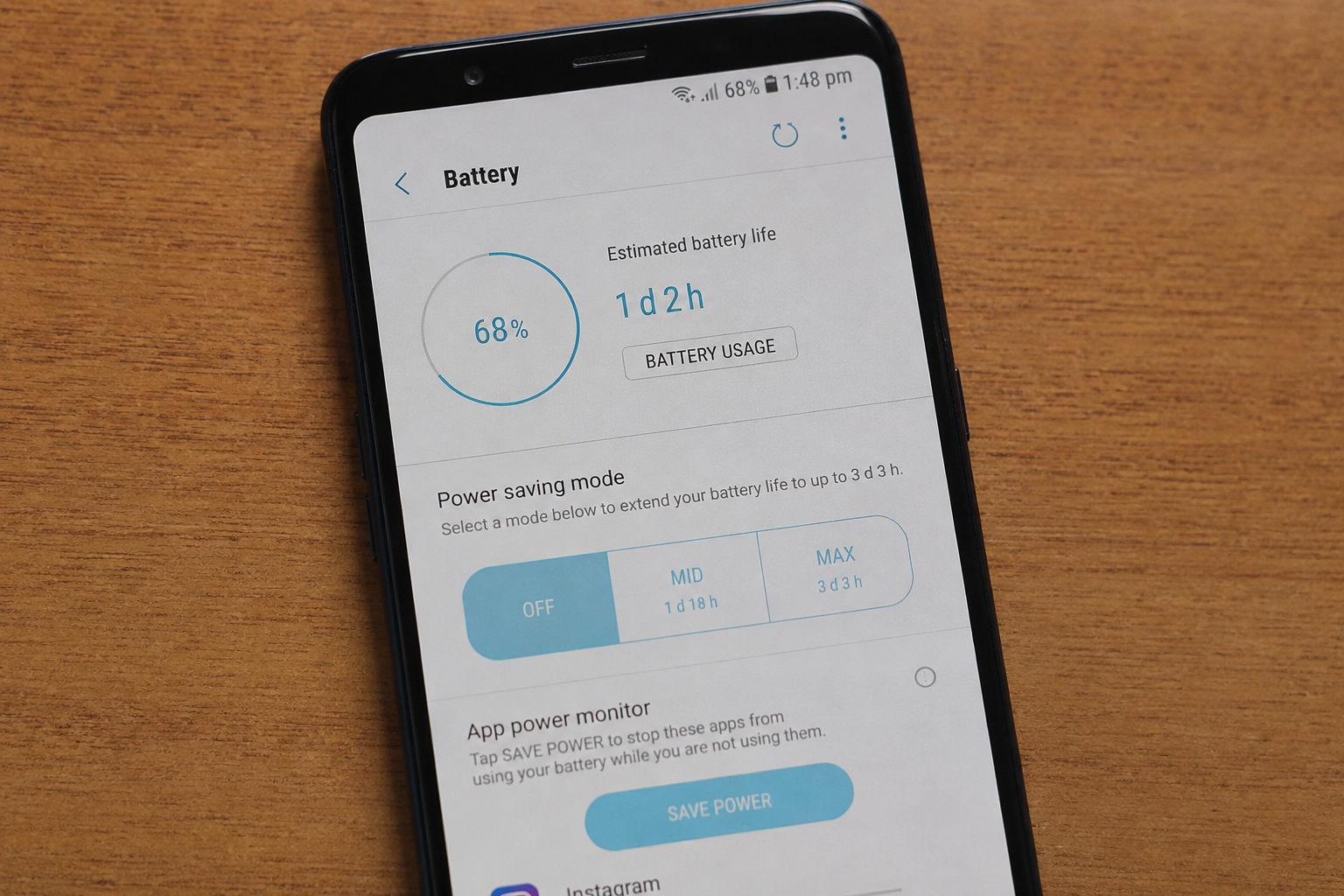
Most modern smartphones include a battery saver mode. This feature is designed to extend battery life when your phone is running low.
Battery saver mode may reduce background activity, limit certain features, reduce performance, or delay some notifications. You can turn it on manually when your battery reaches a certain level.
Some phones also allow you to automatically activate battery saver at a selected battery percentage. This can be helpful when you know you will be away from a charger for a long time.
Keep Your Phone at a Comfortable Temperature
Temperature can have a major effect on smartphone battery performance. Very high temperatures can cause your phone battery to drain faster and may affect long term battery health.
Avoid leaving your phone in direct sunlight, inside a hot car, or near a strong heat source. If your phone becomes unusually hot while charging or using demanding apps, give it some time to cool down.
You should also avoid heavy gaming or intensive tasks while your phone is extremely hot. Keeping your smartphone at a normal temperature is a simple way to protect battery health.
Reduce Heavy Gaming and Video Streaming
Gaming, video streaming, video calls, and camera use can consume a lot of battery. These activities require the screen, processor, speakers, internet connection, and sometimes other hardware to work continuously.
If you need your battery to last longer, reduce the amount of time spent on demanding activities. You can also lower video quality when streaming if high quality is not necessary.
For gaming, reducing graphics settings can sometimes lower power consumption. This can be especially useful when you are traveling and do not have access to a charger.
Keep Your Smartphone Updated
Software updates can sometimes improve battery performance. Smartphone manufacturers regularly release updates that fix bugs, improve system performance, and make applications work more efficiently.
Keep your operating system and important apps updated. However, if your phone suddenly loses battery quickly after an update, give it some time because the system may perform background tasks after installing new software.
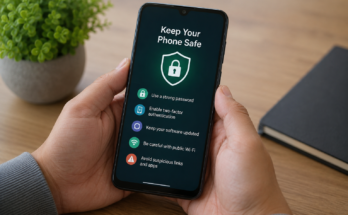
Regular updates are also important for security, so keeping your phone software current is generally a good habit.
Remove Apps You Rarely Use
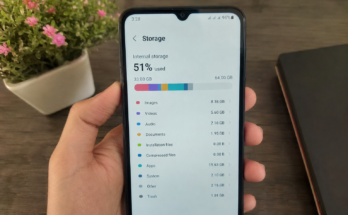
Unused apps can take up storage and may sometimes run background processes. If you have dozens of applications installed that you rarely open, consider removing the ones you no longer need.
Fewer unnecessary apps can make it easier to understand what is using your battery. It can also help keep your smartphone organized.
Before deleting an app, make sure you do not need its saved information or account details.
Use Airplane Mode When There Is No Signal
When your phone has a weak signal, it may work harder to search for a network. This can lead to faster battery drain.
If you are traveling through an area with no mobile service or you know you will not need calls and mobile data for a while, airplane mode can help save battery power.
You can turn airplane mode off again when you need to reconnect to the network. This is particularly useful during flights, remote travel, or other situations where you know there is little or no signal.
Check Which Apps Use the Most Battery
Your smartphone usually has a battery section in its settings that shows which apps are consuming the most power. Make a habit of checking this section when your battery starts draining faster than usual.
You may discover that one application is using far more battery than expected. Sometimes the problem can be solved by updating the app, restricting background activity, changing its permissions, or uninstalling it.
This is better than guessing because the battery settings give you a clearer idea of what is actually happening on your phone.
Charge Your Phone Properly
Good charging habits can help maintain battery health over time. Modern smartphones generally use lithium ion batteries, which do not need to be completely drained before charging.
Instead of regularly letting your phone reach zero percent, charge it when you have a convenient opportunity. Also, use a reliable charger and cable that are suitable for your phone.
Avoid exposing your phone to extreme heat while charging. If the device becomes very hot, remove it from a hot environment and allow it to cool.
Avoid Unnecessary Always On Features
Some smartphones offer features such as always on displays, animated wallpapers, edge lighting, and other visual effects. These features can look attractive, but they may use additional battery.
If battery life is more important to you than these features, consider turning off the ones you do not really need. A simple wallpaper and fewer animations can make your phone feel cleaner while also reducing some power usage.
Conclusion
Saving battery life on your smartphone does not require complicated changes. Small adjustments such as lowering screen brightness, reducing screen timeout, limiting background activity, managing location services, and turning off features you do not need can make a noticeable difference.
It is also important to pay attention to your phone’s battery usage settings. These settings can help you find applications or features that are consuming more power than expected. Keeping your phone cool, updated, and properly charged can also support better battery performance over time.
The best way to save battery life is to understand how you use your smartphone. If you spend many hours watching videos, playing games, using mobile data, or keeping the screen very bright, your battery will naturally drain faster. By making a few practical changes, you can make your smartphone battery last longer and reduce the need to charge your phone several times a day.
A few simple habits can go a long way. You do not need to turn off every useful feature or stop enjoying your smartphone. Just manage the features you do not need and use battery saving options when necessary. With these simple smartphone battery saving tips, you can get more use from your phone throughout the day.