Running out of storage space on your phone can be very frustrating. You may want to install a new app, take more photos, or download an important file, but your phone keeps showing a low storage warning. When your phone storage is almost full, it can also become slower and harder to use.
The good news is that you do not always need to buy a new phone to solve this problem. There are several simple ways to free up storage space on your phone. By removing unnecessary files, cleaning old apps, and managing your photos and videos, you can get more free space and keep your phone working better.
In this guide, we will discuss easy and practical ways to free up phone storage without deleting important personal files.
Check What Is Taking Up Storage
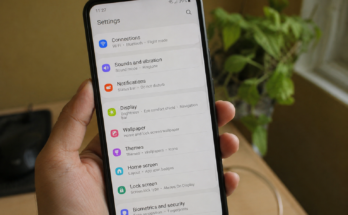
Before deleting anything, it is a good idea to check what is using your phone storage. Both Android phones and iPhones provide storage information in the settings.
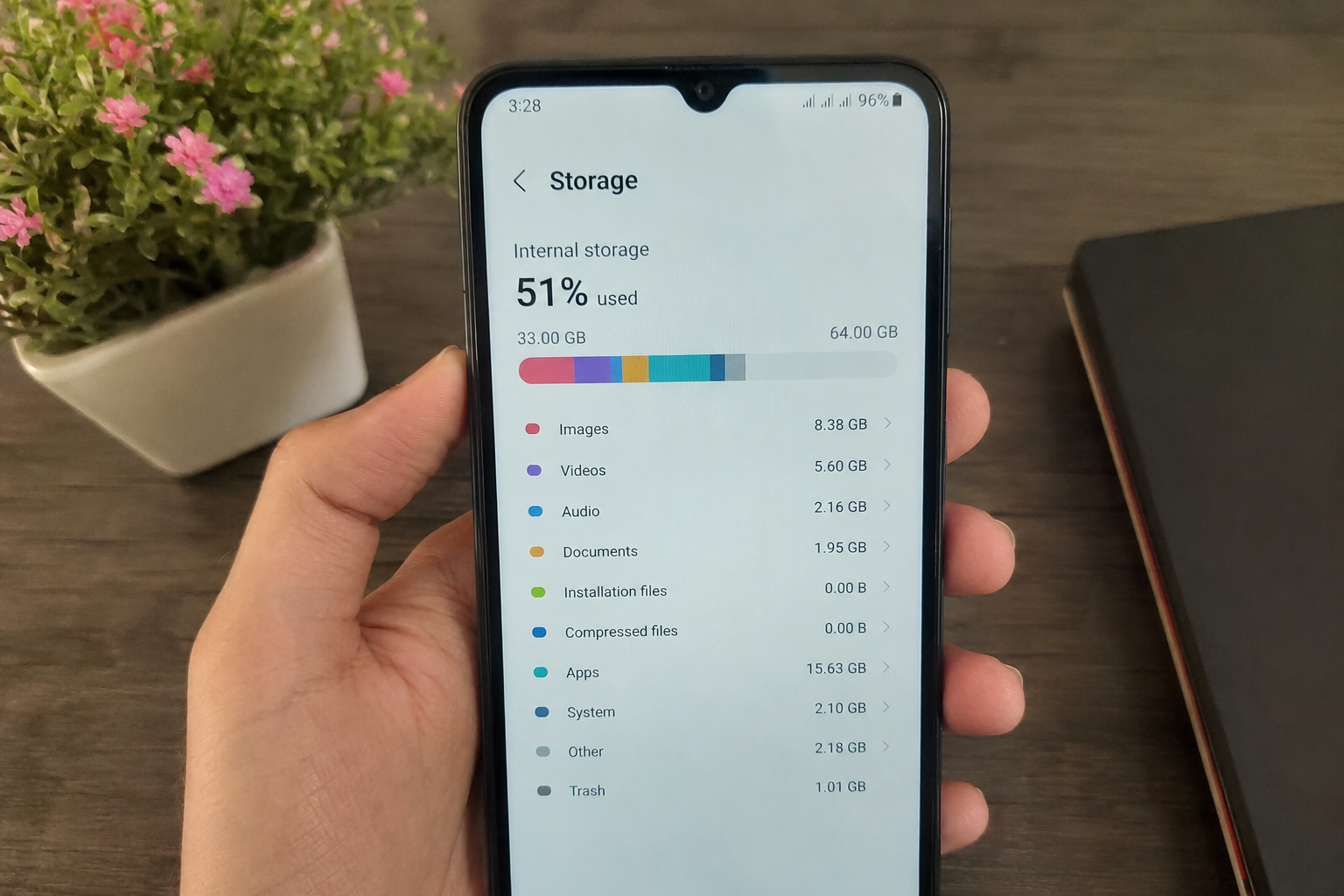
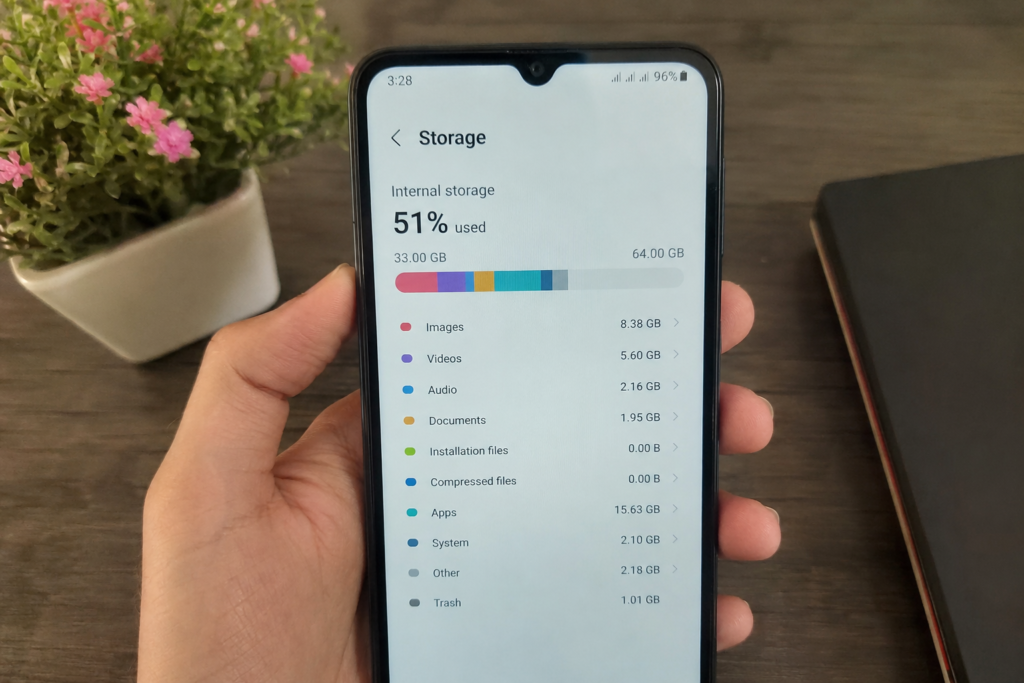
You may find that photos and videos are using most of the space. In some cases, apps, downloaded movies, music, documents, or temporary files may be responsible for the problem.
Go to your phone settings and look for the storage section. You should see a breakdown of the space being used. This helps you understand where the biggest storage problems are.
Once you know what is taking up the most space, you can focus on those files instead of randomly deleting things.
Delete Apps You No Longer Use
One of the easiest ways to free up storage space on your phone is to remove apps that you no longer use. Many people download apps for a specific reason and then forget about them.
Look through your installed apps and ask yourself when you last used each one. If you have not opened an app for several months, you probably do not need it.
Games can also take up a large amount of storage space. Some modern mobile games can use several gigabytes because of high quality graphics and additional game files.
Deleting unused apps can quickly give you more free storage. If you need an app again in the future, you can usually download it again from the official app store.
Remove Old Photos and Videos
Photos and videos are often the biggest reason why phone storage becomes full. Modern smartphones have good cameras, so it is easy to collect thousands of pictures and videos over time.
Start by checking your gallery and deleting pictures that you do not need. Look for screenshots, blurry photos, duplicate pictures, old memes, and accidental camera shots.
Videos should also be checked carefully because they can take up much more storage than normal photos. Remove old videos that you no longer need.
Before deleting important photos, make sure you have a backup. You can save important memories to a trusted cloud storage service or transfer them to a computer or external storage device.
Clean Your Downloads Folder
The downloads folder can quietly become a storage problem. Files that you downloaded months ago may still be sitting on your phone without any purpose.
Open your file manager and check the downloads folder. You may find PDF files, images, documents, videos, installation files, and other items that you no longer need.
Delete files that are no longer useful. Be careful with important documents and personal files. If you are not sure about a file, check it before removing it.
Cleaning your downloads folder regularly is a simple way to keep your phone storage under control.
Clear App Cache
Some apps store temporary files called cache. These files can help apps load information faster, but they can also grow over time and use a noticeable amount of storage.
On many Android phones, you can clear the cache from the app settings. This can be useful for apps that have collected a large amount of temporary data.
However, you should understand the difference between clearing cache and clearing app data. Clearing app data can remove saved information and may log you out of the app.
For this reason, use the cache option carefully and avoid deleting app data unless you know what it does.
Manage WhatsApp and Other Messaging Files
Messaging apps can use a surprising amount of storage. WhatsApp, Messenger, Telegram, and similar apps may automatically save photos, videos, voice messages, documents, and other files.
If you are part of several active groups, your phone may collect hundreds or even thousands of media files.
Open the storage management section of your messaging app and check which conversations are using the most space. You can remove large videos, repeated images, and old files that you no longer need.
You can also change automatic media download settings. This can prevent unnecessary photos and videos from being saved to your phone in the future.
Delete Old Screenshots
Screenshots may look small, but having hundreds of them can take up a significant amount of storage. People often take screenshots of conversations, products, posts, websites, receipts, and information they only need for a short time.
Open your gallery and look for the screenshots folder. Delete screenshots that are no longer useful.
Keep important screenshots such as payment records or travel information if you still need them. For everything else, removing old screenshots can give you extra storage with very little effort.
Remove Duplicate Files
Duplicate photos and files are another common storage problem. You may have the same photo saved several times or receive the same video through different chats.
Some phones have built in tools that can help identify duplicate files. You can also manually check your gallery and file manager.
Be careful when using cleaning applications. Only use trusted apps from official sources because some unknown cleaning apps may create privacy or security problems.
Removing duplicate files can make your phone storage more organized and give you additional free space.
Move Photos to Cloud Storage
If you have many important photos but do not want to delete them, cloud storage can be a useful option.
You can back up your photos and videos to a trusted cloud service and then remove the local copies from your phone. This gives you more phone storage while keeping your memories available online.
Before deleting local photos, make sure the backup has completed successfully. It is also important to understand how much cloud storage you have because free storage plans usually have limits.
Cloud backup is especially useful for people who take many photos and videos regularly.
Delete Offline Downloads
Many entertainment apps allow users to download content for offline use. This can include movies, television episodes, songs, podcasts, and other media.
Offline downloads are convenient when you do not have an internet connection, but they can take up a lot of storage.
Check apps such as music and video streaming services for downloaded content. Remove movies, shows, songs, or podcasts that you have already watched or listened to.
You can always download them again later when you need them.
Remove Unnecessary Files From Social Media Apps
Social media apps can store temporary files and downloaded media over time. Apps that you use every day may gradually take up more storage than you expect.
Check the storage information for your social media apps. If an app is using a very large amount of space, clearing its cache or reinstalling it may help, depending on your phone and the app.
You should always make sure you know your login information before reinstalling an app.
Use Your Phone’s Built In Storage Tools
Many modern smartphones include built in storage management tools. These tools can recommend files and apps that you may want to remove.
For example, your phone may suggest deleting unused apps, large files, duplicate photos, or old downloads.
These tools are generally easier and safer than downloading unknown cleaning applications. Check your phone settings and look for storage management or device care options.
Using built in tools can help you clean your phone without installing another app that takes up additional storage.
Avoid Filling Your Storage Completely
It is better to prevent storage problems than to wait until your phone becomes completely full. Try to keep some free space available at all times.
Regularly review your photos, videos, downloads, and apps. Delete unnecessary files before they become a large problem.
You can also avoid downloading large files unless you really need them. If you regularly record videos, consider moving older videos to another storage location.
A few minutes of storage maintenance every month can make a big difference.
Final Thoughts
Learning how to free up storage space on your phone does not have to be difficult. You can start by checking your storage usage and finding out which files are taking up the most space.
Delete unused apps, remove old photos and videos, clean your downloads folder, manage messaging files, and remove unnecessary screenshots. You can also clear app cache when appropriate and move important photos to cloud storage.
The most important thing is to be careful when deleting files. Always check important documents, photos, and personal information before removing them.
Keeping your phone storage organized can give you more space for the things that actually matter. It can also make your phone easier to manage and help you avoid those annoying low storage notifications. With a little regular cleaning, you can keep your smartphone storage under control and enjoy a smoother everyday experience.