Smartphones have become an important part of our daily life. We use them for calls, messages, photos, online shopping, banking, social media, work, study, and entertainment. Because we use our phones so much, small problems can easily become frustrating. A slow phone, weak battery, full storage, overheating, cracked screen, or harmful app can affect the way we use our device.
The good news is that most common smartphone problems can be prevented with simple habits. You do not need to be a technical expert to keep your phone working properly. A little care, regular cleaning, safe charging, and proper storage management can make a big difference. In this guide, you will learn how to keep your smartphone safe from common problems and how to make your phone last longer.
Keep Your Smartphone Clean
One of the easiest ways to protect your smartphone is to keep it clean. Your phone is handled many times during the day, so dust, oil, sweat, and dirt can collect on the screen and around the buttons.
Use a soft microfiber cloth to clean your smartphone screen and body. Avoid using rough materials because they can create small scratches. If you need to clean the surface, slightly dampen the cloth instead of putting liquid directly on the phone.
You should also pay attention to the charging port. Dust and small pieces of dirt can collect inside the port and make charging difficult. Clean it carefully and avoid using sharp metal objects because they can damage the internal parts.
Use a Good Phone Case
Accidental drops are one of the most common causes of smartphone damage. Even if you are careful, your phone can slip from your hand or fall from a table.
A good smartphone case can reduce the damage caused by everyday accidents. Choose a case that provides protection around the corners and edges of the phone. A slightly raised edge around the screen can also help protect the display when the phone falls face down.
You do not have to buy the most expensive case. What matters is that the case fits your smartphone properly and provides enough protection for your daily use.
Protect the Screen
The smartphone screen is one of the most important and expensive parts of the device. A small crack can become larger over time and make the phone difficult to use.
Using a quality screen protector can help protect your display from scratches and minor impacts. Tempered glass protectors are popular because they provide an extra layer between the phone screen and everyday accidents.
Do not keep your smartphone in the same pocket as keys, coins, or other sharp objects. These items can scratch the screen, especially when the phone is moved around frequently.
Avoid Extreme Heat
Overheating is another common smartphone problem. Your phone can become hot when you use demanding apps, play games for long periods, record videos, or use the phone under direct sunlight.
High temperatures can affect battery performance and may reduce the long term life of your smartphone. Try to keep your phone away from direct sunlight for extended periods.
If your phone becomes unusually hot, stop using demanding apps for a while and allow the device to cool down naturally. Avoid putting a very hot phone into a refrigerator or freezer because sudden temperature changes can cause additional problems.
Charge Your Phone Safely
Battery care is an important part of smartphone maintenance. Always use a reliable charger and cable that are suitable for your phone. Poor quality charging accessories may cause slow charging, overheating, or other battery problems.
Do not use damaged charging cables. If the cable has exposed wires, broken connectors, or serious physical damage, replace it.
It is also a good idea to avoid charging your phone in places where heat cannot escape. For example, do not place a charging phone under a pillow or blanket. Good airflow can help prevent unnecessary heat buildup.
Modern smartphones have systems that manage charging automatically, but safe charging habits can still help protect the battery.
Keep Enough Storage Space
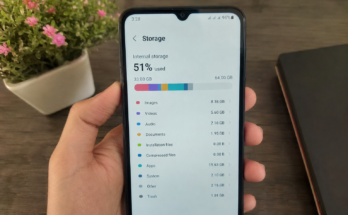
Full storage can cause many smartphone problems. When your phone has very little free space, you may notice slower performance, problems with apps, or difficulty taking new photos and videos.
Check your storage regularly and remove files you no longer need. Old videos, duplicate photos, downloaded files, and unused apps can take up a surprising amount of space.
You can also move important photos and videos to cloud storage or another secure location. Keeping some free storage space can help your smartphone run more smoothly.
Update Your Smartphone Regularly
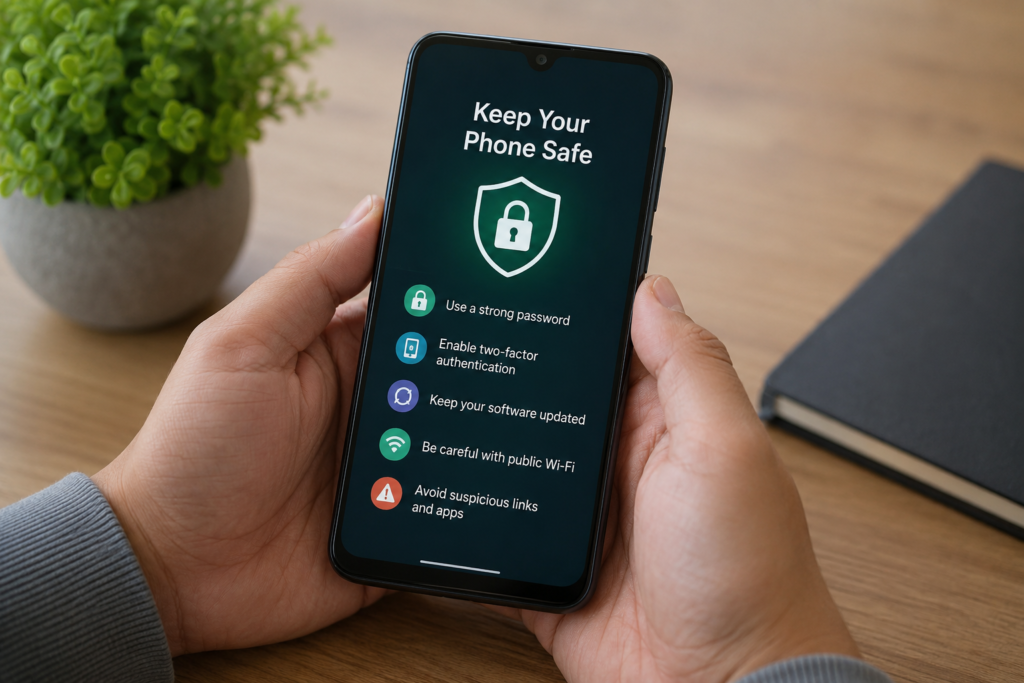
Software updates are not only about adding new features. They can also fix bugs, improve performance, and protect your phone from security problems.
Whenever a trusted software update is available for your smartphone, check what it includes and install it when convenient. Keeping your operating system updated can help protect your device from known security weaknesses.
You should also update your apps through the official app store. Older versions of apps may contain bugs or security issues that have already been fixed in newer versions.
Be Careful With Apps
Installing unknown apps can create serious smartphone problems. Some apps may contain harmful software, collect unnecessary personal information, or display unwanted advertisements.
Download apps from official app stores whenever possible. Before installing an app, check its developer, reviews, permissions, and download information.
Be careful if an app asks for permissions that do not seem necessary. For example, a simple calculator app should not normally need access to your messages or contacts.
Remove apps that you no longer use. This not only saves storage space but also reduces the number of apps that have access to your device.
Use Strong Security
Your smartphone may contain private photos, personal messages, saved passwords, financial information, and other important data. Protecting this information should be a priority.
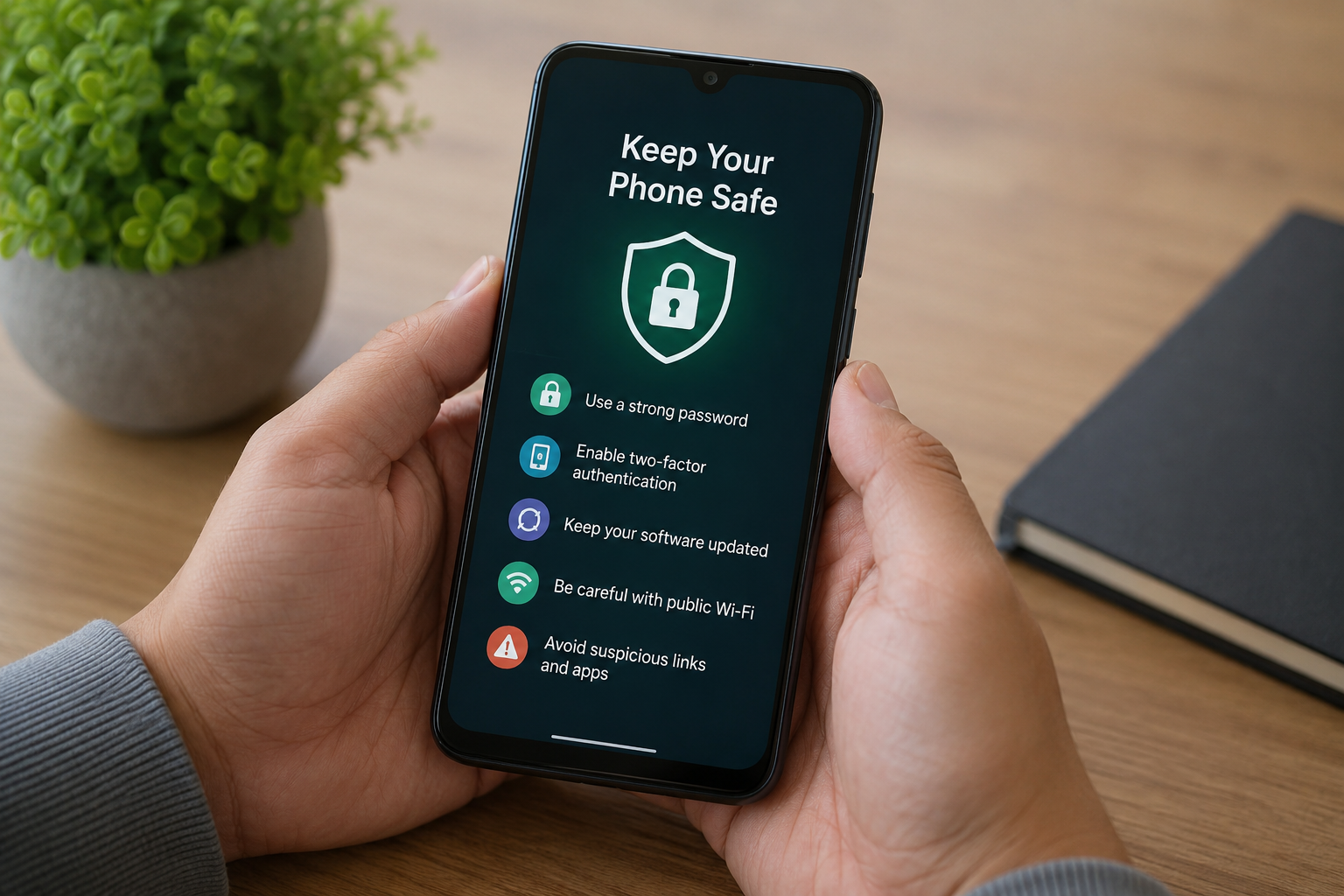
Use a strong screen lock such as a PIN, password, fingerprint, or face unlock. Avoid simple PINs that other people can easily guess.
If your smartphone supports two factor authentication, consider using it for important accounts. This provides an additional layer of protection if someone gets access to your password.
You should also avoid sharing your phone password with other people unless there is a very good reason to do so.
Be Careful on Public WiFi
Public WiFi can be convenient when you are traveling, studying, or visiting a public place. However, not every public network is safe.
Avoid performing sensitive activities such as online banking when connected to an unknown public WiFi network. If you need to use public internet, make sure the websites and apps you use have proper security.
Turn off automatic connection to unknown networks if your phone provides this option. This gives you more control over which networks your device connects to.
Protect Your Smartphone From Water
Many newer smartphones have some level of water resistance, but that does not mean they are completely waterproof. Water can still damage ports, speakers, cameras, and internal components.
Keep your phone away from pools, sinks, and unnecessary moisture. If your phone gets wet, do not immediately connect it to a charger. Allow it to dry properly and follow the manufacturer’s recommended instructions.
Avoid using random heating methods to dry a wet smartphone. Excessive heat can cause more damage.
Restart Your Phone Regularly
A simple restart can sometimes solve minor smartphone problems. If your phone feels slow, an app is not responding, or certain features are behaving strangely, restarting the device can clear temporary processes.
You do not need to restart your phone constantly. However, restarting it from time to time can be a useful maintenance habit, especially if you notice performance problems.
Backup Your Important Data
Even a well protected smartphone can be lost, stolen, or damaged. That is why backing up your important data is essential.
Photos, contacts, documents, and other important files should be backed up regularly. You can use a trusted cloud storage service or another secure backup method.
A backup gives you peace of mind because you can recover important information if something happens to your phone.
Avoid Unnecessary Background Apps
Many smartphone apps continue running in the background. Some of them may use battery, mobile data, and processing power even when you are not actively using them.
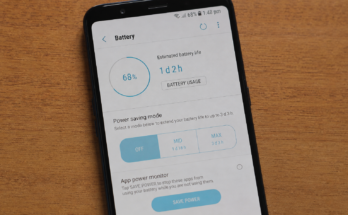
Check which apps are using the most battery and data. If an app is not important, you can restrict its background activity or remove it.
This can help improve smartphone battery life and overall performance.
Handle Your Phone Carefully
Simple physical habits can make your smartphone last much longer. Avoid placing heavy objects on top of your phone. Do not sit on it when it is in your pocket. Keep it away from places where it can easily fall.
When carrying your phone, use a secure pocket or bag. When you are not using it, place it somewhere safe instead of leaving it near the edge of a table.
These small habits may seem unimportant, but they can prevent expensive repairs.
Final Thoughts
Keeping your smartphone safe from common problems does not require complicated technical knowledge. Regular cleaning, proper charging, enough storage, software updates, safe apps, strong security, and careful handling can protect your device from many everyday problems.
A smartphone is an investment that you use almost every day. Taking a few minutes to care for it can help improve performance, protect your personal information, extend battery life, and reduce the chances of expensive damage.
The best smartphone maintenance routine is simple. Keep your device clean, protect it from drops and heat, install updates, remove unnecessary files and apps, use safe charging accessories, and back up your important information. These basic habits can help your smartphone stay reliable and useful for a much longer time.