Smartphone apps have become an important part of our daily life. We use apps for communication, shopping, banking, entertainment, education, work, and many other activities. With millions of apps available today, it is easy to find an app for almost anything. However, not every app is safe to install. Some apps may collect too much personal information, show unwanted advertisements, slow down your phone, or even contain harmful software. This is why learning how to choose safe apps for your smartphone is very important.
Choosing safe smartphone apps does not have to be difficult. You just need to check a few important things before downloading an app. Looking at the developer, reviews, permissions, downloads, updates, and app store information can help you make a better decision. In this guide, we will discuss simple ways to identify safe apps and protect your smartphone and personal information.
Download Apps From Trusted App Stores
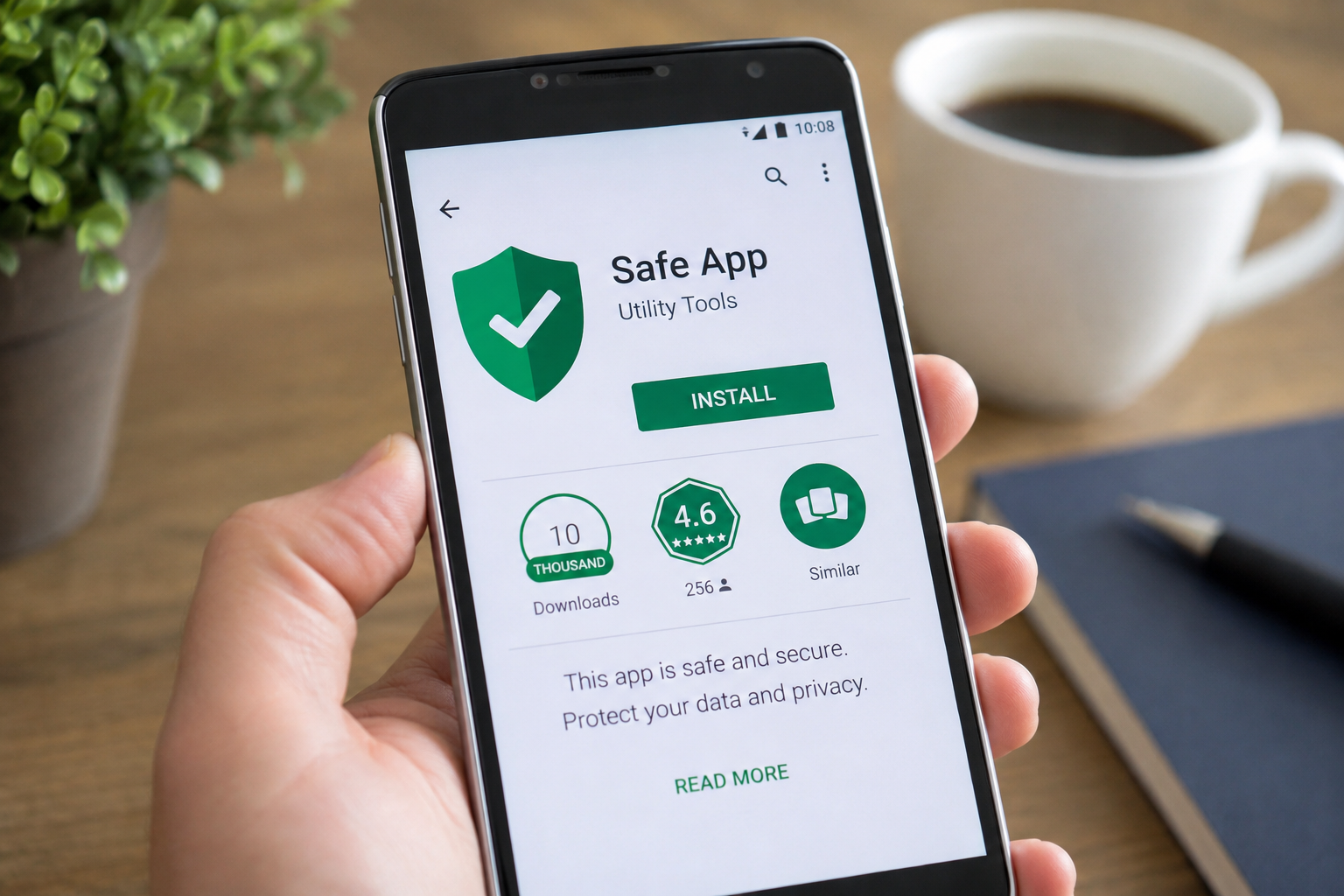
The first step to choosing safe apps is downloading them from trusted app stores. Android users usually download apps from Google Play Store, while iPhone users can use the Apple App Store. These stores have security systems that check apps before and after they become available.
You should be careful when downloading an app from unknown websites. Some websites may offer modified or unofficial versions of popular apps. These files can sometimes contain harmful software. Even if the app looks real, there is no guarantee that the file is safe.
Using an official app store is not a complete guarantee that every app is perfect, but it is generally a safer choice. Always avoid downloading random APK files or applications from websites you do not know.
Check the App Developer
Before installing a smartphone app, take a moment to check who created it. Well known apps are usually published by recognizable companies or developers. If you are downloading a banking app, for example, make sure the developer name matches the official bank.
Scammers sometimes create apps with names and logos that look similar to popular applications. They may try to make users believe that the fake app is genuine. Checking the developer name can help you avoid these problems.
You can also visit the developer’s official website to learn more about the app. If the developer has a professional website and other trusted apps, it can be a positive sign.
Read App Reviews Carefully
App reviews can tell you a lot about an application. Before downloading an app, read some recent reviews instead of looking only at the overall rating. A high rating is useful, but it does not always mean the app is completely safe.
Look for comments about privacy, advertisements, performance, and unusual behavior. If many users report that an app asks for strange permissions or behaves differently after installation, you should be careful.
At the same time, do not trust every review. Some reviews can be fake or misleading. Try to look for common patterns in multiple reviews. Genuine feedback from many users can give you a better idea of what to expect.
Check the Number of Downloads
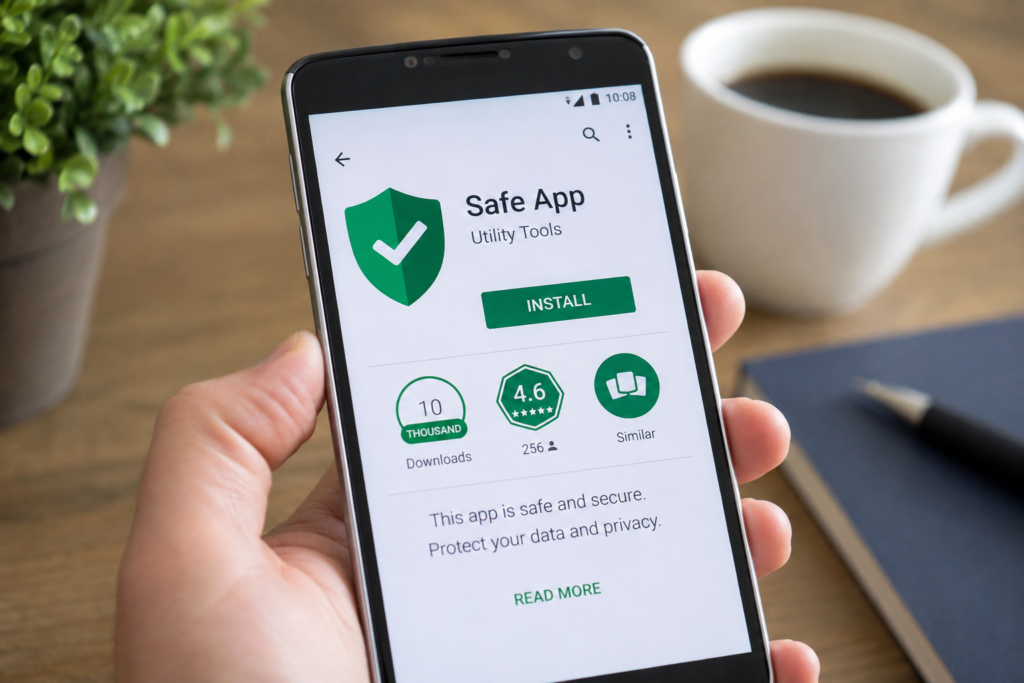
The number of downloads can also provide useful information. A popular app with millions of downloads has usually been used by many people. This does not automatically mean the app is safe, but it can be one helpful factor when making your decision.
Be more careful with apps that have very few downloads, especially if they claim to provide a service that is normally offered by a large company. Compare the app with similar applications and check whether the developer information looks trustworthy.
Remember that download numbers should be considered together with reviews, developer details, permissions, and update history.
Pay Attention to App Permissions
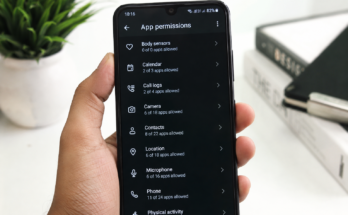
One of the most important things to check before installing an app is its permissions. App permissions control what information and features an application can access on your smartphone.
For example, a camera app may reasonably need access to your camera. A messaging app may need access to contacts or notifications. However, a simple calculator app probably does not need access to your microphone, contacts, or location.
If an app asks for permissions that do not seem necessary for its main purpose, think carefully before accepting them. You can also review and change permissions later through your smartphone settings.
Limiting unnecessary permissions is a simple way to improve smartphone privacy and reduce the amount of personal information an app can access.
Read the Privacy Policy
Privacy policies may look boring, but they can provide important information. A privacy policy explains what type of data an app collects and how that data may be used.
Before installing apps that handle sensitive information, such as banking, health, shopping, or communication apps, it is worth checking their privacy information. Look for details about personal data, location information, contacts, photos, and advertising data.
You do not need to understand every legal term. Focus on the basic questions. What information does the app collect? Why does it collect it? Does it share information with other companies? How can you delete your data?
These questions can help you decide whether an app is suitable for you.
Look at the App Update History
Safe apps are usually maintained and updated by their developers. Updates can fix security problems, improve performance, and remove bugs. This is why you should check when an app was last updated.
If an app has not received an update for a very long time, it may no longer be actively maintained. Older apps can sometimes have security weaknesses that are not fixed.
Regular updates are especially important for apps that handle personal information. Keeping both your smartphone operating system and applications updated can provide better protection against common security problems.
Be Careful With Free Apps
Free apps can be useful, but free does not always mean there are no costs. Some free apps make money through advertisements, subscriptions, or data collection.
Before installing a free app, check whether it contains advertisements or offers paid features. Be careful if an app promises something that sounds too good to be true. For example, an app claiming to provide unlimited premium features for free may not be trustworthy.
Always understand what you are installing and what the app is asking from you.
Avoid Apps That Make Strange Promises
You should be cautious when an app makes unrealistic promises. Some applications claim that they can instantly make your phone extremely fast, provide unlimited battery life, or give you access to expensive services for free.
Such promises can be a warning sign. A trustworthy app normally explains what it does without making unrealistic claims.
Before installing an unfamiliar app, search for information about it and compare it with other similar applications. This small amount of research can save you from many problems later.
Check the App Name and Logo
Fake apps often copy the names, logos, and descriptions of popular applications. Before downloading, carefully check the spelling of the app name and the developer information.
A fake application may use a slightly different name or logo to look like the real one. This is especially common with popular social media, banking, shopping, and financial apps.
If you are unsure, visit the company’s official website and find the correct app through its official download information.
Avoid Giving Unnecessary Personal Information
A safe app should not need every piece of information about you. Think carefully before entering your phone number, email address, home address, contacts, or other personal details.
Some apps may ask for information that is not necessary for their basic function. If you are uncomfortable with the amount of information requested, consider using another app.
Protecting your personal information is an important part of smartphone security. Once information is shared with an app, it may be difficult to control how it is used.
Keep Your Smartphone Updated
Choosing safe apps is only one part of smartphone security. You should also keep your phone’s operating system updated. Android and iPhone updates often include important security improvements.
Turn on automatic updates if they are available and regularly check for pending updates. You should also update your installed apps from the official app store.
Using an updated phone with updated applications can help protect your device from known security problems.
Remove Apps You Do Not Use
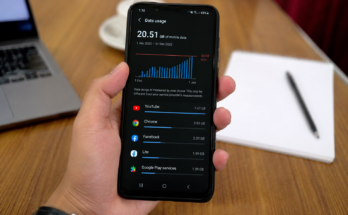
It is a good idea to regularly check the apps installed on your smartphone. If you no longer use an app, consider removing it. Unused apps can continue to request permissions, send notifications, or collect certain types of information depending on their settings.
Deleting unnecessary apps also gives you more storage space and can make it easier to manage your privacy settings.
Every few months, review your app list and remove applications that you no longer need.
Final Thoughts
Knowing how to choose safe apps for your smartphone can protect your personal information and improve your overall smartphone experience. Before downloading an app, check the developer, reviews, downloads, permissions, privacy information, and update history. Always use trusted app stores and be careful with applications that make unrealistic promises.
You do not need to be a technology expert to stay safer. A few minutes of checking before installing an app can prevent many common problems. Make smartphone security a regular habit and think carefully about what you allow each application to access.
Safe smartphone apps should provide useful features without asking for unnecessary information or permissions. By making smart choices and keeping your phone updated, you can enjoy your favorite apps while keeping your device and personal data better protected.