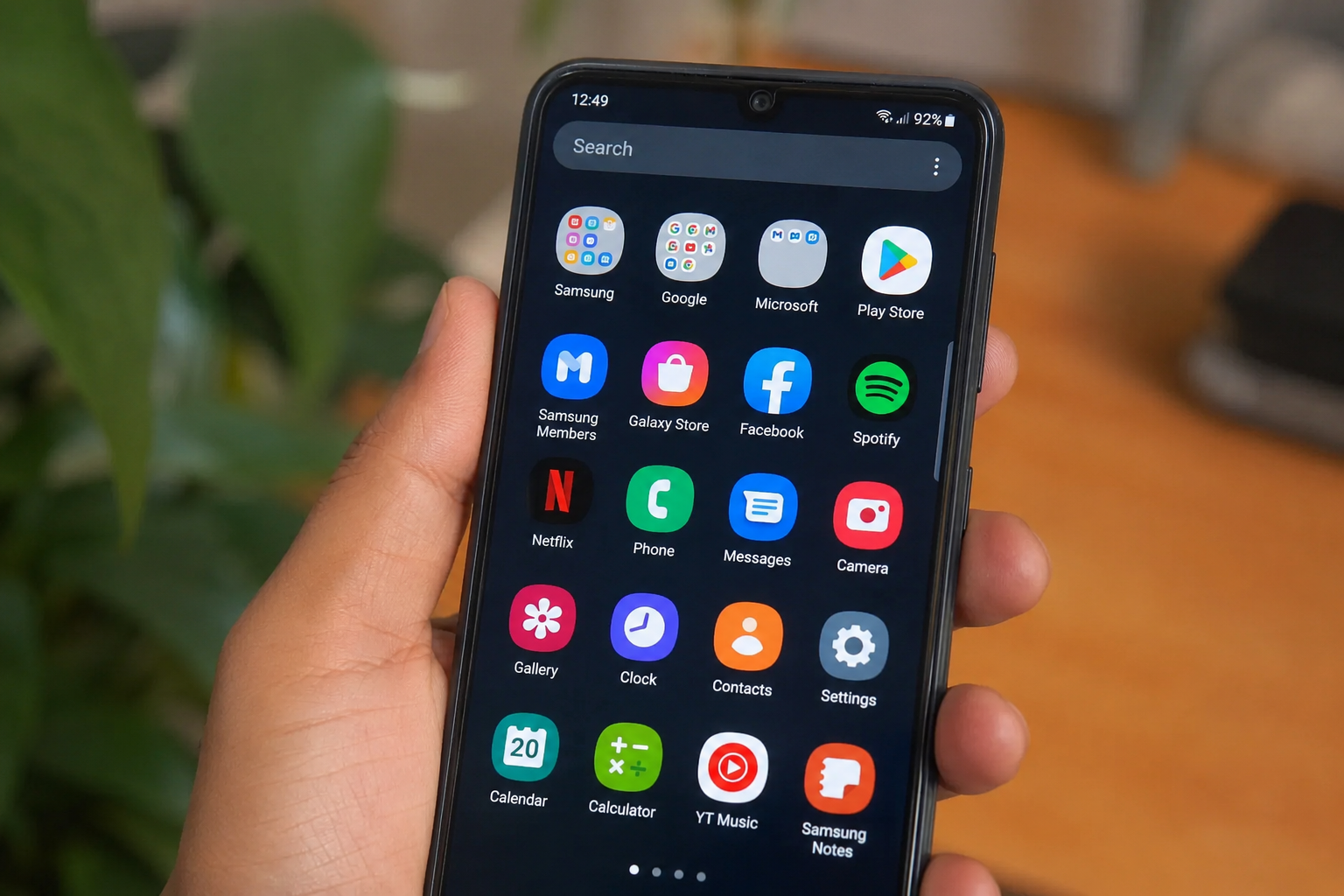
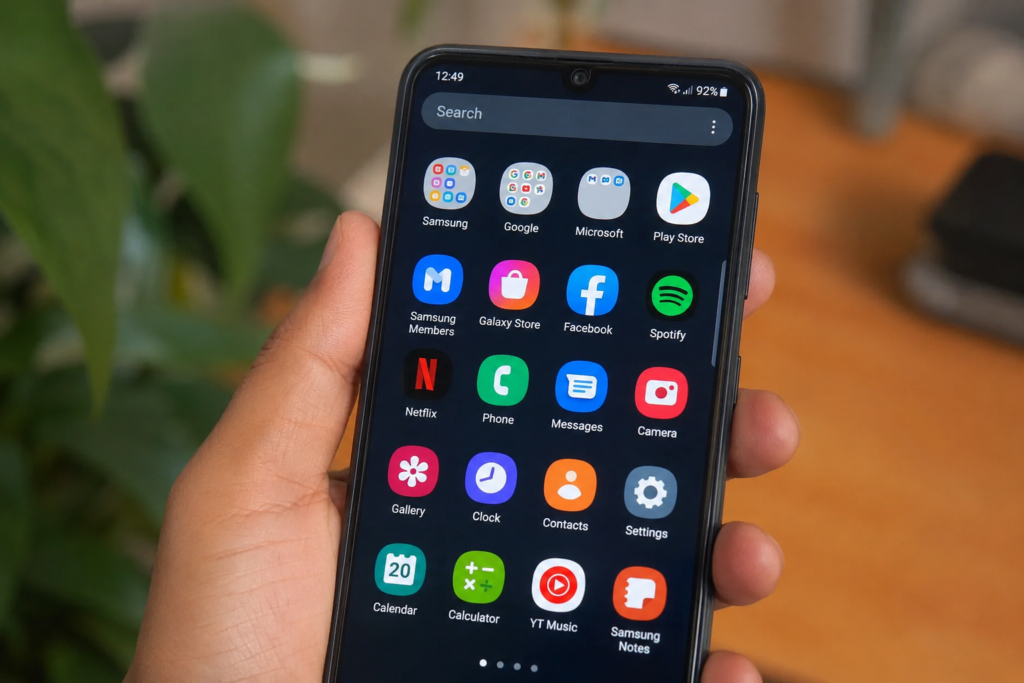
Smartphones have become an important part of everyday life. We use our phones for communication, work, entertainment, shopping, learning, banking, and many other things. But a smartphone becomes much more useful when you have the right apps installed. The best smartphone apps can save time, improve productivity, keep your information safe, and make daily tasks easier.
There are thousands of apps available for Android and iPhone users, but you do not need to install everything. Too many apps can use storage, battery, and mobile data. The better idea is to choose useful apps that match your daily needs. In this article, we will discuss the best types of apps every smartphone user should have and explain how these apps can make your phone more useful.
Communication Apps
Communication apps are among the most important apps for every smartphone user. They allow you to stay connected with family, friends, coworkers, and other people. A good communication app can offer text messaging, voice calls, video calls, and file sharing.
Many people use messaging apps every day to send photos, documents, voice messages, and videos. These apps are especially useful when you need to communicate with someone who lives far away. Video calling also makes it possible to have face to face conversations without traveling.
It is a good idea to keep at least one reliable communication app on your phone. However, avoid installing many similar apps unless you really need them because they can take up unnecessary storage space.
Social Media Apps
Social media apps are another common type of smartphone app. They allow users to share photos, videos, updates, and messages with other people. Social media can also be useful for following news, learning about new products, discovering interesting content, and staying connected with communities.
However, social media apps can also take a lot of your time. Notifications can become distracting, especially when you are working or studying. Try to control notifications and remove apps that you rarely use.
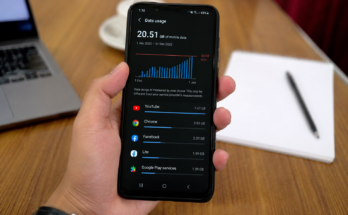
The best approach is to keep only the social media apps that you actually enjoy or need. You can also check your screen time regularly to understand how much time you spend on these platforms.
Productivity Apps
Productivity apps can help you manage your work and daily activities. These apps are useful for students, employees, business owners, and anyone who wants to stay organized.
A notes app is one of the most useful productivity tools. You can use it to write ideas, create shopping lists, save important information, or make quick reminders. Calendar apps are also helpful because they allow you to manage appointments, meetings, birthdays, and other important events.
Task management apps can help you create a list of things you need to complete. Instead of trying to remember everything, you can write it down and check tasks as you finish them.
Having a few good productivity apps can make your smartphone a useful personal assistant.
Banking and Payment Apps
Mobile banking apps have made it much easier to manage money. With a banking app, you can often check your account balance, transfer money, pay bills, and review transactions without visiting a bank.
Payment apps can also be useful for shopping and sending money to other people. They can save time and reduce the need to carry cash.
When using banking and payment apps, security should always be a priority. Use strong passwords or PINs and enable fingerprint or face authentication when available. Never share your banking password or verification code with another person.
Only install financial apps from official app stores and make sure the app belongs to the correct company before entering your personal information.
Navigation and Maps Apps
Navigation apps are extremely useful for smartphone users who travel regularly. They can help you find locations, plan routes, check traffic, and discover nearby places.
A good maps app can be helpful when visiting a new city or trying to find a restaurant, hospital, store, or office. Some map services also allow you to download maps for offline use, which can be helpful when you have a weak internet connection.
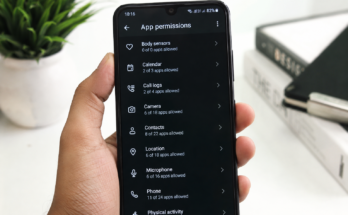
Location apps can also save time because they provide directions based on your current location. Just remember to check your location permission settings and allow access only when necessary.
Weather Apps
A weather app is simple but very useful. Checking the weather before leaving home can help you decide what clothes to wear or whether you should carry an umbrella.
Weather apps can provide information about temperature, rain, wind, and other conditions. Some apps also offer forecasts for several days.
Instead of installing several weather apps, one reliable weather app is usually enough. You can also turn off unnecessary weather notifications if they become annoying.
Health and Fitness Apps
Health and fitness apps can help users develop better daily habits. Depending on the app, you can track walking, running, exercise, sleep, water intake, or other activities.
Step tracking is one of the easiest ways to use your phone for fitness. Many smartphones can automatically count your steps throughout the day.
Fitness apps can also provide workout ideas and simple exercise plans. They can be useful for people who want to become more active without joining a gym.
Remember that health apps should be used as general tools and not as a replacement for professional medical advice.
Security Apps
Smartphone security should not be ignored. Your phone may contain private photos, messages, documents, passwords, and financial information. Security apps and built in security features can help protect this information.
A strong screen lock is one of the first things every smartphone user should set up. Fingerprint and face recognition can provide an additional layer of protection.
It is also important to keep your phone and apps updated. Software updates often include security improvements that protect against new problems.
Avoid downloading apps from unknown websites. Installing applications from unofficial sources can increase the risk of malware and other security problems.
Cloud Storage Apps
Cloud storage apps are useful for saving photos, videos, documents, and other important files. Instead of keeping everything only on your phone, you can store copies online.
This can be especially helpful if your phone is lost, damaged, or replaced. Your important files can still be available when you sign in to your account on another device.
Cloud storage is also useful for moving files between your phone and computer. You can upload a document from your phone and open it later on another device.
Make sure your cloud account has a strong password and additional security protection when available.
Entertainment Apps
Entertainment apps can make your smartphone more enjoyable. Music, video, podcast, and reading apps give you access to content whenever you have free time.
You can listen to music while traveling, watch videos at home, or listen to podcasts while doing other activities. Reading apps can also turn your phone into a small digital library.
Entertainment apps can use a lot of mobile data, especially when streaming videos. If you have limited data, consider downloading content over WiFi for offline use.
Shopping Apps
Shopping apps make it easier to compare products, check prices, read reviews, and place orders. They can save time because you do not always need to visit a physical store.
Before buying something through a shopping app, check the seller information and customer reviews. Avoid deals that look too good to be true.
It is also better to remove shopping apps that you rarely use. This can reduce unnecessary notifications and help you avoid making impulse purchases.
Education and Learning Apps
Smartphones can also be powerful learning tools. Education apps allow users to learn languages, improve skills, read books, practice subjects, and watch educational lessons.
Students can use learning apps to review school topics and practice before exams. Adults can use them to learn new skills for work or personal interests.
Even spending a few minutes each day on a useful learning app can help you develop a new skill over time.
File Management Apps
A file management app can help you keep your smartphone organized. It allows you to find downloads, documents, images, videos, and other files more easily.
Regularly checking your files can also help you remove items you no longer need. This can free up storage space and make your phone easier to manage.
Some phones already include a built in file manager, so you may not need to install another one.
Backup Apps
Backup apps are important because phones can be lost, damaged, or reset. A backup allows you to recover important information when something goes wrong.
You should consider backing up important photos, contacts, documents, and other personal files. Many smartphones already offer automatic backup options, so check your phone settings before installing another app.
A backup is one of those things you may not think about until you need it. Setting it up early can save you from losing valuable information later.
Final Thoughts
The best types of apps for smartphone users are the ones that make everyday life easier. Communication apps help you stay connected, productivity apps keep you organized, banking apps help manage money, navigation apps make traveling easier, and security apps protect your personal information.
You do not need hundreds of applications on your smartphone. A smaller collection of useful apps can be much better than a phone full of programs you never use. Choose apps based on your lifestyle, work, studies, entertainment needs, and personal goals.
It is also important to review your installed apps from time to time. Delete apps that you no longer use, control unnecessary notifications, and keep important apps updated.
A smartphone is more than a device for making calls. With the right apps, it can become a useful tool for communication, productivity, learning, entertainment, travel, finance, and personal organization. Choosing the best smartphone apps can help you get more value from your phone while keeping it simple and easy to use.